Document scanners
In the document niche, winning isn't decided by capture quality: among the top apps it's good enough everywhere. What sets the winners apart is reliability at three points: page capture holds the document in frame without misfiring, the file reaches the recipient or the cloud intact, and these properties don't degrade after updates. TurboScan (76 points) and Genius Scan held their positions because they lost that reliability slower than the competition: their users describe concrete work scenarios across 5-10 years of continuous use, though email sending limps even for them today.
Below them in the rating lies a zone of systemic deception: 24 of 52 apps inflated their storefront ratings to 4.6-4.9 while the real text review average drops to 1.3-3.0. Which means the market looks 'competitive' in the stores, but in reality most players below the top 10 don't solve the user's problem.
The money in this niche sits with whoever can hold the whole path: from tapping the scan button to an open PDF in the right place, in the right format, without a single break.
Market overview
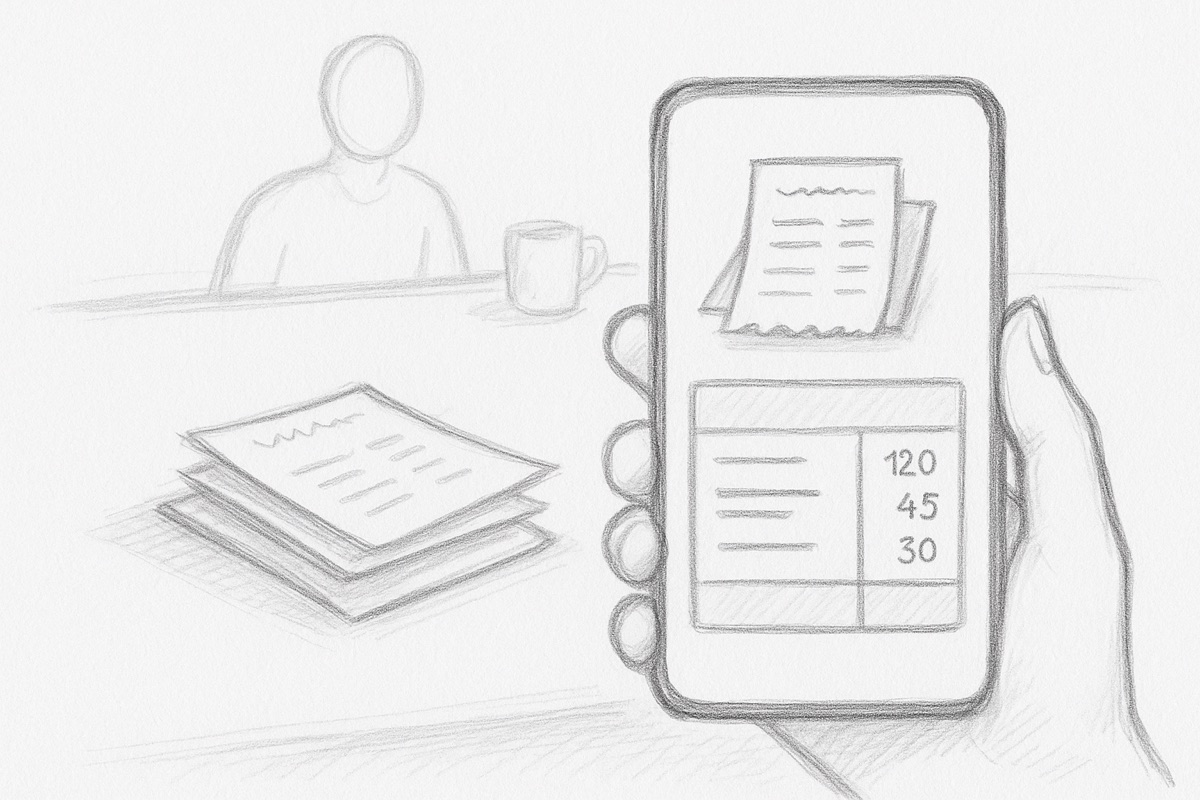
The market is oversaturated and degrading: leaders with a years-old base (, Genius Scan, TurboScan) broke key features with updates and aggressive monetization, while new players busy themselves with rating inflation. Users trust apps for years but switch the moment the basic 'shoot and send' cycle stops working. That opens a niche for a new player with an honest model and dependable email export.
- Size
- 10,800,182ratings across 52 apps · 22,040 reviews read
- Concentration
- 44%of all ratings held by the top three
- Downloads
- 1.4 B+installs across the top 11 on Google Play, led by Adobe Acrobat Reader: Edit PDF
- What people pay
- $10$9.99$10/mo$50prices cited in real reviews
- Leaders
- Revenue estimate
- What the niche's top apps make a year. The number opens together with the ideas. Unlock
- Trust
- 39 of 100apps have an inflated or doubtful star, only 0 are genuinely good
- Discoverability
- 63 of 100a new app's chance to break in: the top three hold 44% of ratings, 46% of the shelf is gamed, only 3 apps are genuinely strongComputed from leader concentration, gamed share, count of strong apps and demand size. Rough, order of magnitude.
- Money
- Who pays in this niche, for what, and why most players lose money. It opens together with the ideas. Unlock
The big players repeat one systemic mistake: monetization breaks the product logic. (52 points, inflated) locked PDF compression behind a subscription and shows full-screen ads to paying users. (63 points, inflated) revoked features from users with perpetual licenses, which crashed its text review average to 2.53. (38 points, inflated) cluttered the interface with AI upsells while annotations vanish for 50% of users. removed the visible local save button, and people can't get a PDF off their own phone. SwiftScan, the former Scanbot with strong auto-crop, started pushing upsell notifications and logging double charges after changing owners. The shared pattern: the product degrades not from bad technology but from deliberate restrictions that destroy trust faster than any bug.
Audience
"Document scanners" is not one customer. Inside are different people with different jobs, and they pay very differently. First you choose who you build for.
Where the money is
Where users come from
Channels visible right in the reviews: people say themselves how they found the app and why they installed it. This is the niche's distribution.
Work and school demand PDF5
The main source of installs is obligation: work means scanning documents and receipts constantly, school and college mean submitting assignments as PDF. People install a scanner out of necessity, not love, so they tolerate a lot but quit at the first breakdown in their workflow.
Good. I like it, because I have to use it for school
I pay the monthly fee because I scan a lot for work.
Store search for a document needed right now3
The install happens at the moment of a burning task: fill out a form from the phone, scan a book, urgently turn a file into a PDF. People grab the first app promising free in the listing, and a lie on that word instantly turns into a furious review.
I was looking to see where I can convert a file to a pdf and I came across this app it caught my eye because it had said “free” no payments no trial.
I wanted to try this app to see if I could actually get a form filled out on my phone.
Facebook ads2
Scanners buy Facebook ads, sometimes with wild promises up to scanning moles for cancer. The channel brings people, but the gap between the video and the app reads instantly and breeds distrust before the first scan.
Bought the program on Facebook advertisement. Took me to xScan on App Store. Same company but looks different. Need to clarify.
I saw an add at facebook that shows how this apps scan the moles in yyour skin and tells wheter or not this is a cancerous mole or not. But when I read about the specs in ththis page, there is no mention of it.
Word of mouth: friends and coworkers1
The scanner gets recommended as a work tool, for example for tracking receipts in a business. A recommendation brings a loyal user, but the stakes rise too: a surprise paid export feels like betrayal.
This app was recommended to me by a friend. I haven’t seen been using it for business receipts. But all of a sudden they are trying to charge me a fee to forward my PDFs.
Honest rating
The same hundred apps in two scoring systems. Switch and watch the storefront star diverge from what people actually write in reviews.
 TurboScan™ Pro: PDF scanner4.9 in store · genuine · 294,503 ratings76our scoreTop pick for rating accuracy: users have trusted it for years and describe specific real-world workflows.
Auto-crop and manual crop with zoom work precisely. Users describe it as perfect for photo-to-PDF and easy to use with great features in daily professional contexts.
Email sending broke after one update and never recovered. Folders cannot be sorted manually, so the order is random and becomes a problem with large archives.
Field professionals and anyone who scans daily and needs organized document storage.
 Scanner App: Genius Scan4.9 in store · genuine · 1,339,911 ratings72our scoreA time-tested scanner with solid file organization, but export has been glitchy lately.
Users keep coming back year after year for the predictability: shoot, crop, send. The file system handles large archives without losing navigation.
Email delivery stopped working for some users after an update and documents don't get through. Auto-capture mode requires manual confirmation for each page, slowing down multi-page scans.
People who store documents inside the app and occasionally send them by email or to the cloud.
 Genius Scan Enterprise - PDF4.9 in store · genuine · 17,686 ratings72our scoreA mature enterprise scanner with solid scan quality and built-in encryption, but the UX has gotten heavier over the years.
Automatic edge detection works reliably. Users have trusted it for years to scan work documents and send them by email.
The interface has become unwieldy for batch work: auto-edit is not always automatic, and encryption can bloat PDFs tenfold in file size.
Professionals who need document reliability and security and can live with a heavier UX.
 Scanner Pro・Scan PDF Documents4.9 in store · genuine · 331,270 ratings67our scoreA reliable professional scanner with a great quality-to-file-size balance, but stability dropped after recent updates.
Users highlight speed and clarity as the main draw: 'unbelievable speed and clarity.' The balance between image quality and file size is a rare strength that experienced users notice.
After the latest update the app crashes regularly when shooting two pages back to back. Dropbox and Google Drive sync stopped working for some users.
Professionals who need sharp scans with file size control and reliable cloud export.
 iLovePDF - PDF Editor & Scan4.8 in store · genuine · 50,121 ratings66our scoreA feature-rich PDF toolkit with a wide range of operations but a rough UX in complex workflows.
Compression, merging, splitting, and JPG conversion all in one app. Users say it replaces Acrobat for everyday tasks.
Every action exports a new file to a new folder, so you can't chain multiple operations in sequence. The app crashes without auto-save, which means all work is lost.
People who work with PDFs regularly and need a wide range of operations without Adobe.
 TurboScan™: document scanner4.9 in store · genuine · 100,037 ratings65our scoreA fast and convenient scanner with built-in fax, but unreliable email delivery undermines trust.
Flattens crumpled receipts and sends a PDF right away without extra steps. Users appreciate the speed and folder organization.
Emails with scanned documents can take hours or never arrive at all. Documents don't sync to the cloud and disappear when the app is reinstalled.
Field workers and freelancers who need to quickly send a document or receipt without a scanner nearby.
 Doc Scan - PDF Scanner4.8 in store · genuine · 14,087 ratings65our scoreA practical scanner for everyday work outside the office, hurt by occasional document loss.
Users describe concrete work scenarios: scan on the go, send plans to clients, work without going back to the office.
Scanned documents sometimes disappear without warning. There is no way to create nested folders to organize an archive.
Professionals who work outside the office and regularly send documents to clients.
 Adobe Scan: PDF & OCR Scanner4.9 in store · doubtful · 1,563,013 ratings63our scoreStrong OCR and auto-crop, but export became confusing and unstable after updates.
Page auto-crop is accurate: users describe a 'perfect scan' with no manual corner adjustment. Integrates with Adobe cloud without extra steps.
The save button disappeared in one update and people can't figure out how to download a PDF locally. Some users lose pages when exporting multi-page documents.
Office workers in the Adobe ecosystem who need precise cropping.
Next: the review findings
You already see the market, the audience and the honest rating. A free sign-in opens the first finding: what people value, what drives them away and why, with quotes.
Free, by email or Telegram
Nearby niches
Breakdowns next door: same audience, adjacent jobs.
 QR & barcode scanners
 Voice recorders
 Translator apps
 Password managers
 Weather apps