Password managers
The market has failed its users in one key place: switching phones. Dozens of reviews of , , Duo, , mSecure, Passible, and oneSafe describe the same scenario: bought a new iPhone and lost everything.
The paradox is that the loudest brands (, , LastPass) actually rate lower than niche indie KeePass-format clients: aWallet earned 78 points, and 72 each, while inflated a 4.6 store rating against a real text-review average of 2.36. The reason is simple: small apps don't touch monetization after the user has paid, and don't break what worked.
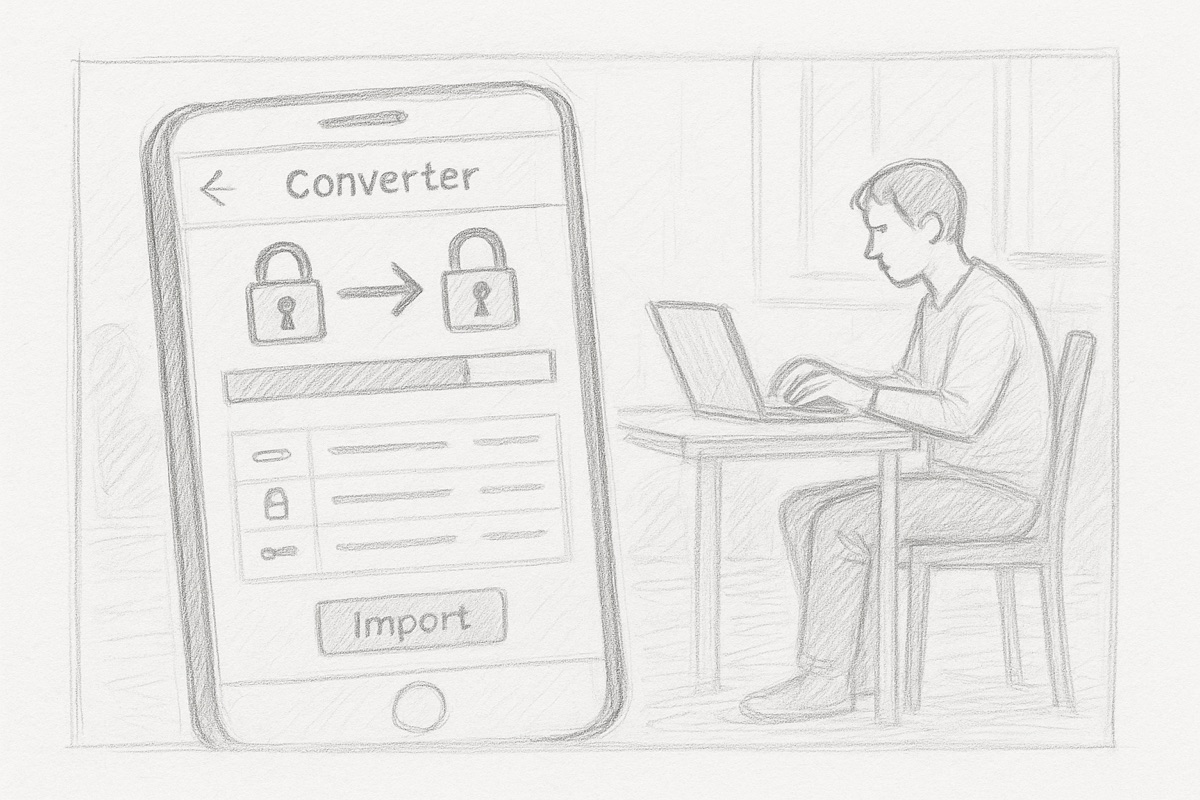
The entry point for a builder here is not yet another vault but solving the infrastructure transitions: migration between devices, access recovery without the master password, dependable export.
Market overview
The market is moving toward passkeys, breach monitoring, and offline backup. Users tired of bloated suites with annual price hikes are actively hunting for simpler tools at a fixed cost, and that demand sounds louder in the reviews than anything else.
- Size
- 5,484,605ratings across 47 apps · 11,524 reviews read
- Concentration
- 74%of all ratings held by the top three
- Downloads
- 280 M+installs across the top 12 on Google Play, led by Google Authenticator
- What people pay
- $10$20/yr$30/yr$40prices cited in real reviews
- Leaders
- Revenue estimate
- What the niche's top apps make a year. The number opens together with the ideas. Unlock
- Trust
- 29 of 100apps have an inflated or doubtful star, only 0 are genuinely good
- Discoverability
- 55 of 100a new app's chance to break in: the top three hold 74% of ratings, 19% of the shelf is gamed, only 5 apps are genuinely strongComputed from leader concentration, gamed share, count of strong apps and demand size. Rough, order of magnitude.
- Money
- Who pays in this niche, for what, and why most players lose money. It opens together with the ideas. Unlock
The market splits into four camps. KeePass-compatible clients (, , aWallet, pwSafe) are technically honest, an open format, but autofill is flaky and there is no Android coverage. Commercial cloud suites (, LastPass, Keeper, Dashlane, ) are convenient while you pay, but they regularly raise prices, make leaving the ecosystem harder, and degrade the UX: removed the search bar from the home screen, Keeper's launch-time optimization freezes the app for minutes. Authenticators (, , Duo, ) are corporate or embedded in someone else's ecosystem, and all suffer from the same disease: moving TOTP codes to a new device is either impossible or requires simultaneous access to the old phone. Cheap offline vaults (mSecure, , Passible, iPassworder) skip the subscription, but beyond simple reading everything falls apart: Face ID goes into a loop, sync doesn't work, support goes silent.
Audience
"Password managers" is not one customer. Inside are different people with different jobs, and they pay very differently. First you choose who you build for.
Where the money is
Where users come from
Channels visible right in the reviews: people say themselves how they found the app and why they installed it. This is the niche's distribution.
Escaping a competitor that betrayed them6
The main inflow in this niche is refugees: 1Password moved everyone to subscriptions, Strongbox sold out, old managers died without updates for the new iOS. People leave angry and desperately looking for an alternative. A new product needs import from competitors' formats and a direct promise not to repeat the betrayal: one-time purchase, open format, export.
So glad I found a replacement for 1Password after they backstabbed all their loyal customers by converting to a subscription scam
I needed a replacement for my previous password app that was no longer being supported. I didn't need all the bells and whistles.
A long store search on your own terms3
Some people spend years hunting for a manager that fits their personal requirements: no subscription, a plain list without autofill, or the exact opposite, an all-in-one. They compare several known products and pick by fit, not by brand. A precise store description of what this app is and who it's for converts exactly these people.
I have been looking for a password keeper app for a long time and this app is the best by far, you can keep an unlimited amount of passwords after you pay the one time fee.
This app is just what I was looking for! I hate the bells and whistles offered by other apps with auto logins etc. I wanted an app to store my passwords so I could look them up.
Word of mouth: a friend showed theirs2
Passwords are a sensitive topic, and a friend's recommendation removes the fear of trusting an unknown app. The signals are few but they run both ways: people get the tip from friends and also show their own manager to others.
I'm so thankful a friend introduced me to this app.
A friend was looking for a password manager, so I showed him SplashId. I've been using SplashID for 12-15 years.
Ideology and brand trust1
A single but telling motive: someone picks a less convenient product because of the company's privacy mission. In a niche where the product is trust, a public stance and reputation replace a marketing budget.
Proton as a company is great and I fully support their mission. This is the main reason that I am using Proton Pass instead of the more popular password managers.
Honest rating
The same hundred apps in two scoring systems. Switch and watch the storefront star diverge from what people actually write in reviews.
 aWallet Cloud Password Manager4.9 in store · genuine · 1,906 ratings78our scoreA reliable offline password manager with cross-platform sync via cloud storage. The main weakness is no iCloud support, and occasional sync failures can lead to data loss.
Simplicity and stability over many years, simultaneous support for Android and iOS, encryption via Google Drive and Dropbox, easy transfer when switching phones.
No iCloud sync, periodic Google Drive errors (404), after iOS updates it sometimes locks access with no way to reset the master password, some users dislike the interface refresh.
Users who want a simple, affordable password manager without a subscription and with sync between Android and iPhone.
 Strongbox - Password Manager4.7 in store · genuine · 4,053 ratings72our scoreA KeePass-compatible password manager with an open database format, Wi-Fi sync, and security key support. Quality declined after a change of ownership: previously hidden bugs have become more frequent, and upgrade prompts now chase even Pro users.
Open KeePass format (no lock-in), solid iCloud sync, Yubikey and passkeys support, autofill, export to standard formats, lifetime license.
Quality has slipped since the app changed hands: crashes on database open, upgrade pop-ups for Pro users, passkeys issues (crashes on save), cross-platform purchases don't sync across devices.
Technically savvy Apple users who want an open database format and prefer not to rely on a cloud service.
 KeePassium (KeePass passwords)4.7 in store · genuine · 1,374 ratings72our scoreThe best choice for storing passwords offline in KeePass format. Its strength is full privacy with no cloud server required, its weakness is unreliable autofill and iCloud sync issues.
Fully offline with no data shared with third parties. Passkeys and TOTP support. Independent security audit by Cure53. Actively maintained. Fast import.
Autofill is unreliable and sometimes fails in banking apps. Issues with iCloud Drive after iOS updates. Occasional hangs when loading the database. No native Android or Windows clients.
Technical users who already use KeePass and want to keep their data on-device only.
 Dashlane Password Manager4.8 in store · doubtful · 103,519 ratings71our scoreA mature cross-platform password manager with a real long-term user base. Strong point is reliable sync and a solid password generator. The main complaint is an aggressive paywall and problems when the free plan was dropped.
Sync across all devices, strong password generator, family plan with shared access, autofill works consistently.
Holds passwords hostage on non-payment, unclear login flow for existing accounts, transferring to a new device can be tricky, passwords disappear after reconnection, browser extension may be blocked by corporate policies.
Users willing to pay for a cross-platform manager with a convenient family plan.
 eWallet - Password Manager4.8 in store · genuine · 2,673 ratings71our scoreA market veteran with a twenty-year track record: stable, simple, no subscription. The main pain point is that sync between devices is unreliable, especially without a desktop in the mix.
Decades of reliable operation, support helps with data migration, works across platforms (Mac, PC, iPhone), no subscription, straightforward interface.
Sync without a PC doesn't work or is unreliable, no automatic cloud backup, can't enlarge password text, no image storage within entries, OneDrive integration is broken.
Apple ecosystem users with a PC who want reliable storage without a subscription and don't need modern features like passkeys.
 SafeInCloud 14.9 in store · genuine · 2,339 ratings69our scoreA time-tested manager with good sync via your own cloud account, but it suffers from passwords disappearing after updates and aggressive new paid tiers appearing after each update.
Works across multiple browsers and devices, free basic tier, stores data in a user-chosen cloud (not the company's servers), regular updates.
Passwords disappear after updates without warning, sync between devices is unreliable, the company repeatedly introduces new paid tiers on top of already-purchased licenses, problems on Windows 11, family sharing is hard to set up.
Users with a single device or a small number of passwords who want to store data in their own cloud without a subscription.
 Bitwarden Password Manager4.7 in store · doubtful · 28,721 ratings67our scoreThe best free open-source password manager for the price-to-features ratio, but recent updates introduced serious bugs: the master password sometimes refuses to work, TOTP behind a paywall feels greedy, and cross-device sync is slow.
Completely free with no ads, open-source, works on all platforms, no upsell pressure.
Master password periodically fails for no apparent reason, TOTP is paid-only, slow sync, a bug shows phantom TOTP codes on entries that don't have one.
Technically minded users who want a solid free manager and can tolerate occasional bugs.
 pwSafe 2 - Password Safe4.7 in store · genuine · 5,110 ratings67our scoreA mature PasswordSafe-format manager with cross-platform support and a responsive developer, but switching to a new iPhone repeatedly breaks database access unacceptable for a password storage tool.
PasswordSafe format ensures compatibility with Windows and Mac, developer responds to bug reports and ships updates, Dropbox and iCloud sync, users have run the app for more than 10 years.
Switching to a new iPhone has caused database loss for multiple users, cloud backup is pushed with aggressive notifications, local iOS-to-desktop sync is inconvenient, the UI is dated, some versions confused users with duplicate database copies.
Experienced users who need PasswordSafe-compatible format and cross-platform access, and who are prepared to keep a separate backup of their database.
Next: the review findings
You already see the market, the audience and the honest rating. A free sign-in opens the first finding: what people value, what drives them away and why, with quotes.
Free, by email or Telegram
Nearby niches
Breakdowns next door: same audience, adjacent jobs.
 Document scanners
 QR & barcode scanners
 Voice recorders
 Translator apps
 Weather apps